The appliance opens no inbound ports. It only dials out.
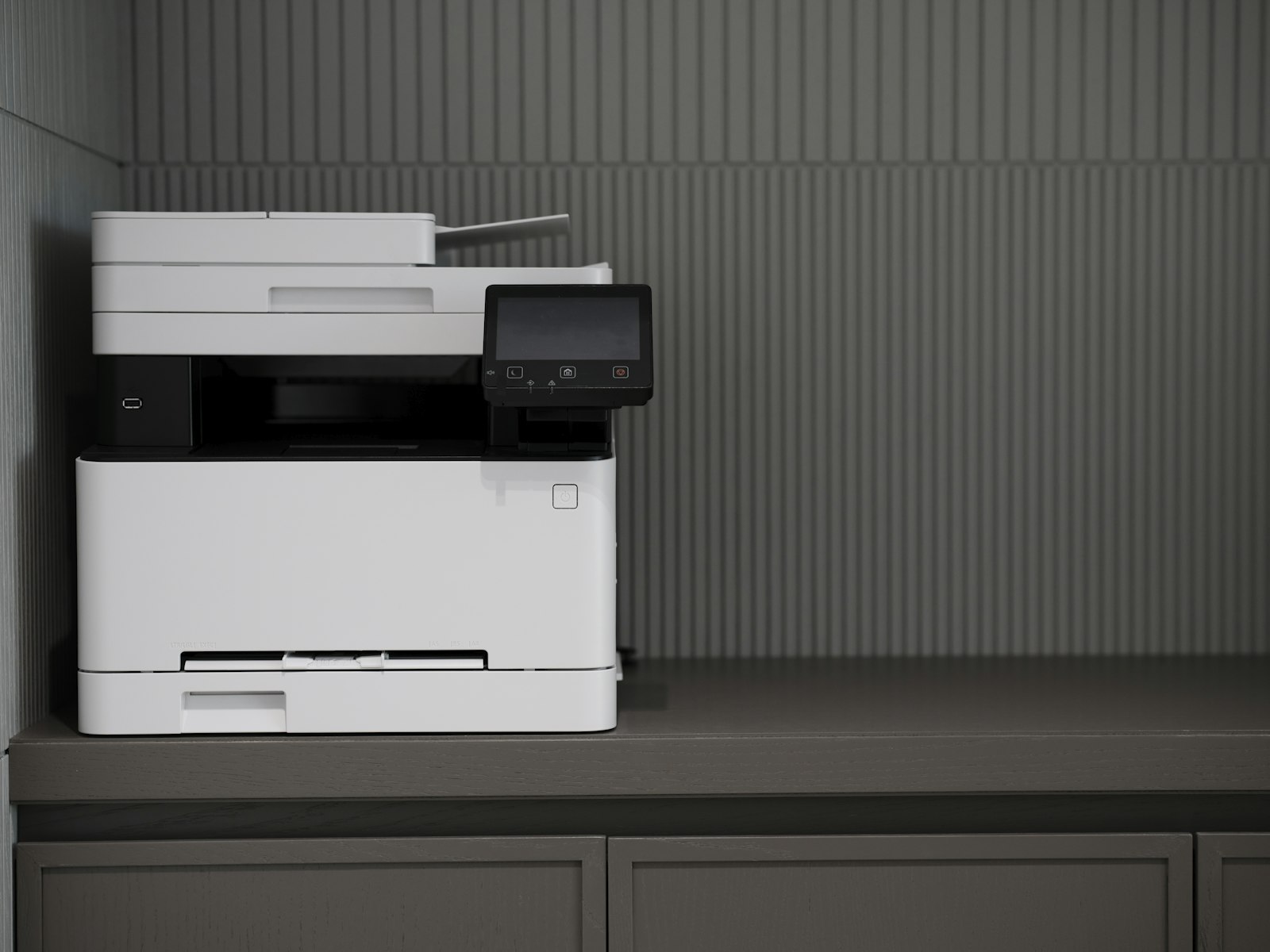
One small Debian machine beside the printer, running a single Go binary. It holds its own identity key, proves who it is with a certificate, and reaches the Reamstead portal on connections it makes itself. Nothing on your network has to be opened for us.
Debian 13 · one static Go binary · amd64 and arm64
What the appliance is, in the values we can stand behind
Every row here is a documented property of the agent and its installation. Where a figure is not published below, we have not measured it, and we would rather you asked us than read an invented number on a website.
Software
- Operating system
- Debian 13
- Agent
- One static Go binaryAbout 18 MB, no runtime to install
- Architectures
- amd64, arm64
- Local database
- SQLiteExecutions, outbox, cached config, local jobs, cash
- Installation
- Unattended ISOSingle disk; a .deb is built for both architectures
- Printer driving
- IPP/1.1Through CUPS or ipp-usb; USB printer class devices are detected from sysfs
Network
- Inbound ports
- 0Nothing listens for the cloud
- Outbound
- HTTPS and one WebSocketDispatches, commands, configuration
- Device token
- 10 minutesExchanged for a fresh one, never stored long
- Operator console
- Port 8631On the shop LAN only, advertised over mDNS
- Console certificate
- Self-signed, 5 yearsGenerated on the appliance at first boot
Identity and keys
- Signing key
- Ed25519Generated on the machine, mode 0600, never exported
- Sealing key
- X25519Opens the per-job data key delivered with a dispatch
- Device certificate
- X.509, 30 daysRenewed when fewer than 10 days remain
- Hardware fingerprint
- SHA-256Serial, board, sorted MAC addresses and CPU
- Documents at rest
- AES-256-GCMDecrypted copies live in tmpfs and never reach the disk
The installation image carries no secret: the platform's public artifact key and an API URL, and nothing else that is specific to your deployment.
Power, network, and a code in the portal
There is no configuration file to edit on site and no credential to type into the machine. A technician who can reach a socket and a switch can finish the job.
- 01
Power and network
Install from the image, give the machine power and a network connection, and leave it. Everything below happens on its own at first boot.
- 02
It makes its own identity
The signing key, the sealing key and the device id are generated on the machine and written with owner-only permissions. Nothing arrives from the factory, so two appliances can never share an identity.
- 03
It asks to be let in
The appliance sends a certificate request with its inventory and, if you have one, its enrollment code. You approve it in the portal, it proves possession of the key by signing a nonce, and it receives its certificate.
Installed before the code exists? It retries with backoff, forever
- 04
It finds the printers
USB printer-class devices are detected from the kernel, matched to a signed compatibility package, installed and probed. What the device reports becomes what customers can choose.
- 05
It appears on the fleet list
From that point the location is live and visible from anywhere, and the site keeps trading through an outage on its cached configuration. What an outage looks like.
The key is made on the machine and stays on the machine
The appliance generates an Ed25519 signing key at first boot and keeps it in its own filesystem, owner readable and nothing more. That key signs the certificate request, signs the nonce that proves the key has not simply been copied out of a backup, and signs the message that gets a short-lived device token. The certificate the platform issues names the appliance and lasts 30 days.
Alongside it sits an X25519 sealing key. When a job is dispatched, its data key is sealed to that public key, so the only machine that can open the document is the one the job was sent to. A copied disk image on somebody else’s bench presents a key the platform did not certify, and a certificate cannot be transplanted onto a machine whose hardware fingerprint no longer matches what was enrolled.
None of this is visible to staff, and that is deliberate. No token, certificate or key is rendered anywhere on the operator console.
A support session your operator can watch happen
When a site calls for help, support does not arrive through a hole in your firewall. The appliance is already connected outwards, and everything support can ask it to do is a named action on that channel: refresh a printer, run diagnostics, restart the agent, collect a bundle. There is no shell and no command that names a program to run.
The operator sees the result on their own console: the connectivity state, the versions running, the diagnostics that were taken, and the bundle that was generated. Before that bundle is written, device tokens, keys, certificates, signed links, long digit runs and document content are stripped out of it, so the logs that leave the shop do not carry a customer’s file or your credentials. The fleet tools that drive this are a page of their own.
Appliance status
- Connectivity
- ONLINE
- Unsynchronised events
- 0
- Agent version
- 1.7.1
- Diagnostics
- Run 4 minutes ago
- Support bundle
- Generated, redacted, uploaded
No token, certificate or key appears on this screen.
Ask what the box would need on your network
Send us the printer models at the site and how it reaches the internet. We will tell you what the appliance would detect, what it would report, and what your firewall would have to allow, which is nothing inbound.