Walk-up printing that pays for itself before the page comes out.
A sign on the counter, a price that follows the options the customer picks, and payment taken before anything reaches the tray. Reamstead runs on the printer you already own and offers only the options that printer reports.
No new MFP · No customer account · Counter payments logged like card payments

What actually happens at the counter
These are the complaints shop owners make about walk-up work. Each one is a job the appliance takes off you, and each answer belongs to a page that explains it properly.
- 01
"Can you email it to me?"
You open the mail, download the attachment, open it, print it, then quote a price from memory. The customer scans the sign instead, uploads the file from the phone already in their hand, and sees the price change as they pick colour, sides and paper size. Read the customer flow.
PDF and office files · no app · no account
- 02
The drawer at close
Pages go out that nobody rang up, and the count in the drawer never quite matches what came off the machine. Payment happens before the job prints, so every page has a tender against it: card, wallet, account credit, voucher, or at the counter, all of them written to the same ledger.
counter payments logged on the appliance, reconciled in the portal
- 03
The line goes down at half past two
Card processing stops, and with a cloud print service so does printing. The appliance keeps queued jobs moving and keeps taking counter, voucher, credit and deferred payments locally, then syncs every transaction when the line returns. What happens during an outage.
card and wallet need the line; the other four do not
What your staff see when someone does ask for help
The console at the counter is a small screen, not a workstation. An operator opens it with a PIN, takes a counter payment for the customer who would rather hand over cash, and reprints a spoiled copy without asking anyone to upload the file again.
A job is only marked done when the printer confirms it, so a jam is not a sale. The file behind a reprint is held for 48 h and then destroyed. See the operator console or read how files are handled.
- Take payment
- Cash at the counterLogged against the job, same as a card
- Reprint
- Within 48 hNo second upload, no second charge to key in
- Job state
- Confirmed by printerNot marked done because a queue emptied
5ways to pay
All five land in the same ledger
Card, wallet, account credit, voucher, or at the counter. The shop that takes cash keeps taking cash, and the end of the day is a comparison between what the printer confirmed and what the ledger says was collected, rather than a count against a memory.
A Tuesday at the counter
Three walk-ins, three payment methods, no staff time on any of them. This is the whole argument for putting a sign on the counter.
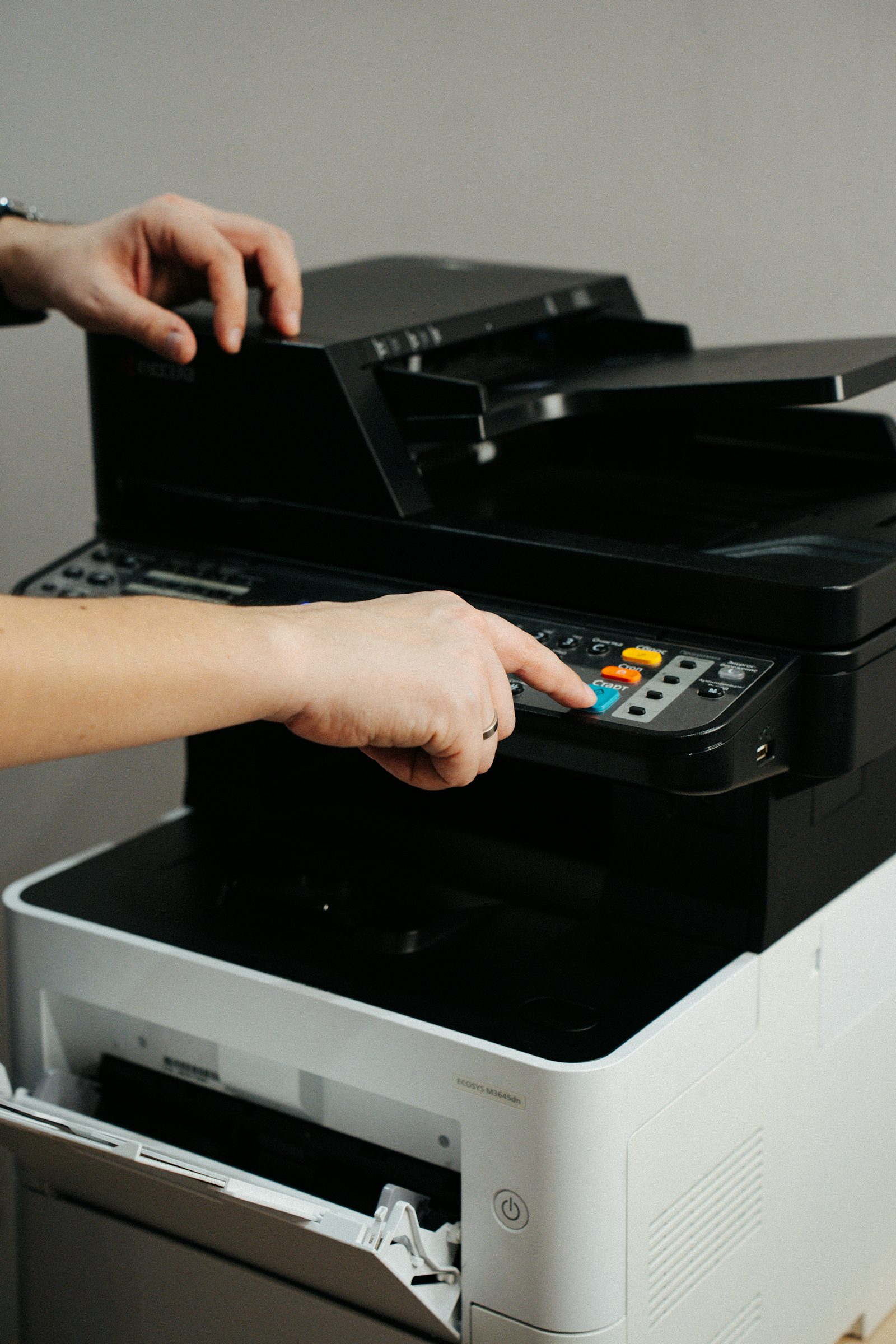
A résumé, two pages, colour
Scanned the sign, uploaded from her phone, paid by card. Nobody behind the counter touched it, and it was waiting in the tray when she walked over.
See the customer side
A 30-page course pack, duplex mono
Paid in cash at the counter because he had no card on him. The operator took it on the console, and the file stayed available for a reprint when page 12 came out streaked.
How the file is handled
A shipping label, one page
A regular with an account paid on credit in about a minute, from the doorway.
What it costs youPut a sign on your counter and keep your printer
Tell us which machine is behind your counter and roughly how many walk-up jobs you take a day. We will tell you whether it works with that printer and what the monthly cost looks like before you commit to anything.